Custom Events
Configuration
The plugin also support custom events. Those allow your operator to share some custom URLs to be opened in the chat widget by the customers.
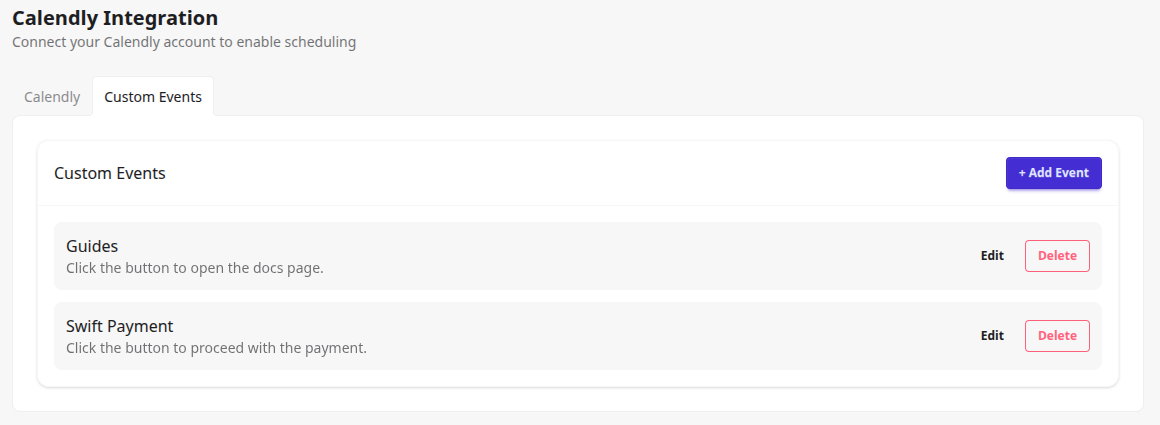
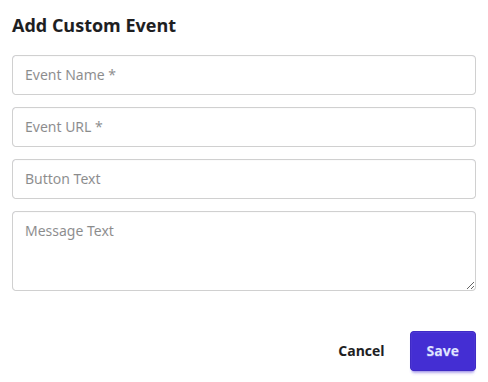
Each event requires a name, a URL, Button Text and Message Text. Please make sure that the URL starts with http:// or https://. Feel free to experiment with your product documentation, payment pages, or YouTube videos. As long as the page can be opened in an iframe, you can embed it in your Crisp chat widget.
Send Custom events into a chat
Once the plugin is installed and authorized, your Crisp operator will see a new plugin in their inbox. It contains a list of up to 20 active meeting from your organization. Clicking Send next to the chosen event sends the message with the event URL into the chat.
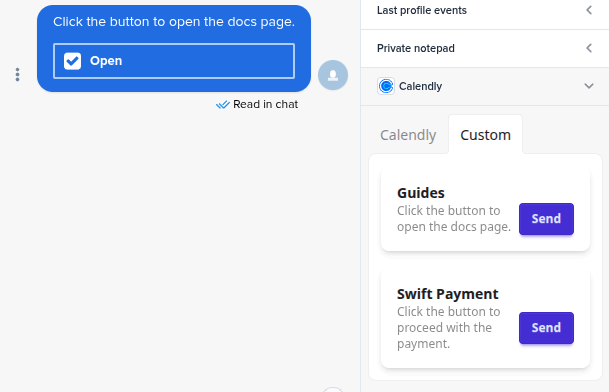
The customer receives the message with the button on their side.
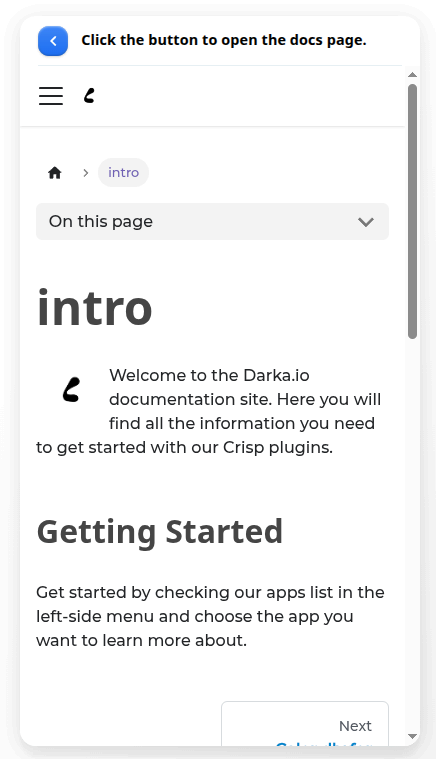
Once they click the button, the Calendly schedulling page is displayed to them directly in the Crisp chat widget. Everything happens in the same widget and your clients do not need to leave your website!
We would love to hear out your feature requests!
Contact us at support@darka.io.